
Cases, import and push
A case is one investigation's container. Its runs arrive by upload, or pushed by Signal with the case's push key.
Cases
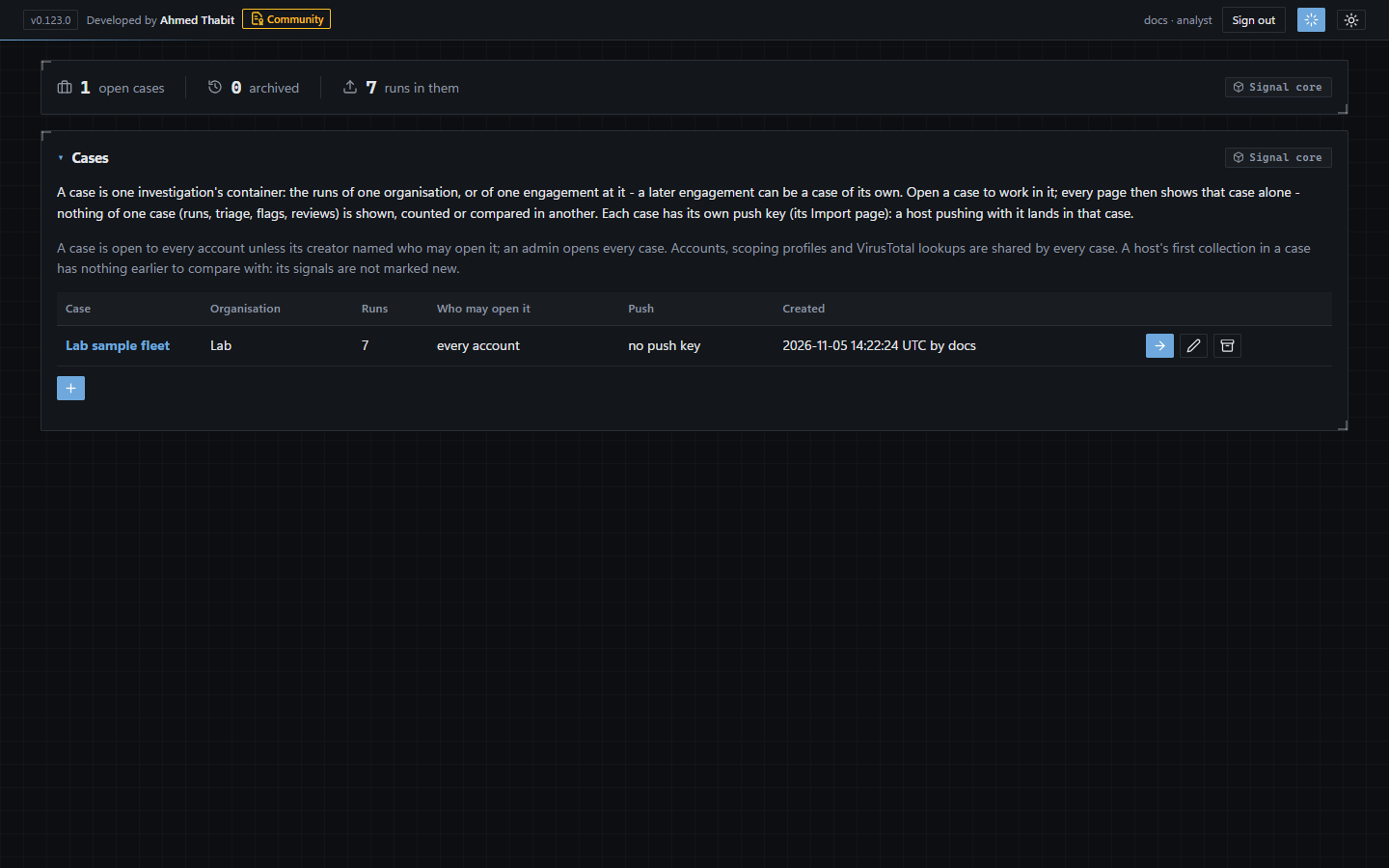
A case holds one investigation's runs; this one holds the sample fleet.
The Cases page is the home: every case you may open, with its organisation, runs, access and push key.
Each case is its own database file. Nothing of one case - runs, triage, suppressions, flags, reviews - is shown, counted or compared in another.
Access: every account by default; the creator may limit a case to named accounts. Admins open every case.
Archived cases are kept but not opened, and refuse pushes until restored.
Import by upload
-
Open the case
On the Cases page, choose Open.
-
Open Import
The Import button in the top bar.
-
Drop the runs
Drag one or more run files onto the page, or pick them - selecting many files at once is how you import a fleet (up to 200 per upload).
Push from Signal
-
Generate the case's push key
On the case's Import page, Generate a new key (analysts), or on the server:
node launch.js push-key new <case>. The key is shown once; the console keeps only its hash. -
Put the key on the hosts
In a file only administrators can read, or in the
SIGNAL_PUSH_KEYenvironment variable. Never on the command line. -
Run Signal with -push
signal live -all -push https://console:7446 -push-key-file C:\ProgramData\Signal\push.key
Runs from other Signal versions
A run from a Signal before 1.0.0 (a pre-release) is refused: replace it with the current release (see Updating Signal) and run it again.
An older output format from Signal 1.0.0 or later is upgraded on import and marked older output: what later Signals report is missing from it, not "none" - re-run the host.
A newer format is refused, naming the Signal that wrote it: update the console. A pushed run waits in the host's outbox.
A run from a withdrawn Signal version is accepted and marked.